The right VAT rate, applied on its own
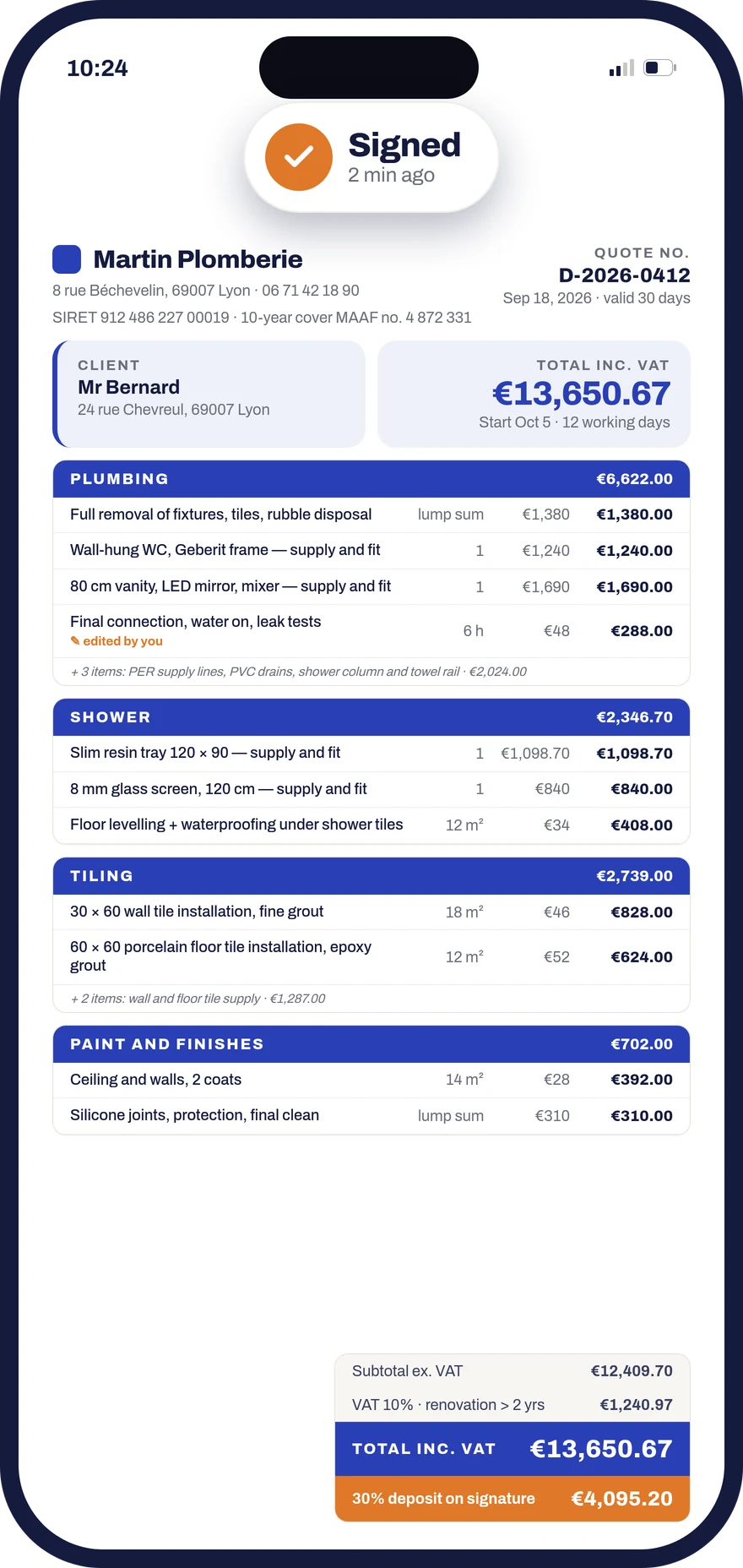
On a renovation job it is you, not your customer, who answers for the VAT rate. Donizo applies the rate line by line as the quote is written, shows the reason next to the amount, and carries the same summary through to the invoice.
- One rate per line, and several rates on the same quote
- The reason for the rate shown beside the amount
- The same VAT summary on the Factur-X invoice
The three building rates
Three French VAT rates apply to building work. Donizo knows them and offers the right one in the right place; every line stays yours to change.
- Energy renovation
- 5.5%Work improving the energy performance of a home completed more than two years ago.
- Renovation and upkeep
- 10%Improvement, conversion, fitting-out and upkeep of a home completed more than two years ago. The most common case.
- New build
- 20%New construction, and anything that does not qualify for a reduced rate.
How it works
- 01
You describe the job
By voice or text, from the site. Donizo breaks the work into line items: labour, materials, fitting.
- 02
The rate lands line by line
Each line gets its rate, with the reason shown beside it. One quote can carry several rates without splitting it into two documents.
- 03
The invoice reuses the same summary
When you invoice, the VAT summary is taken from the signed quote. Nothing is retyped, so the two documents cannot drift apart.
Your next quote, with the VAT already set
Describe the job: Donizo sets the rate on each line and carries it to the invoice. You check it before sending.
What Donizo handles
- DGFiP numbering and legal wording, in Factur-X format
- The reduced-rate VAT certificate for your customer to sign before work starts
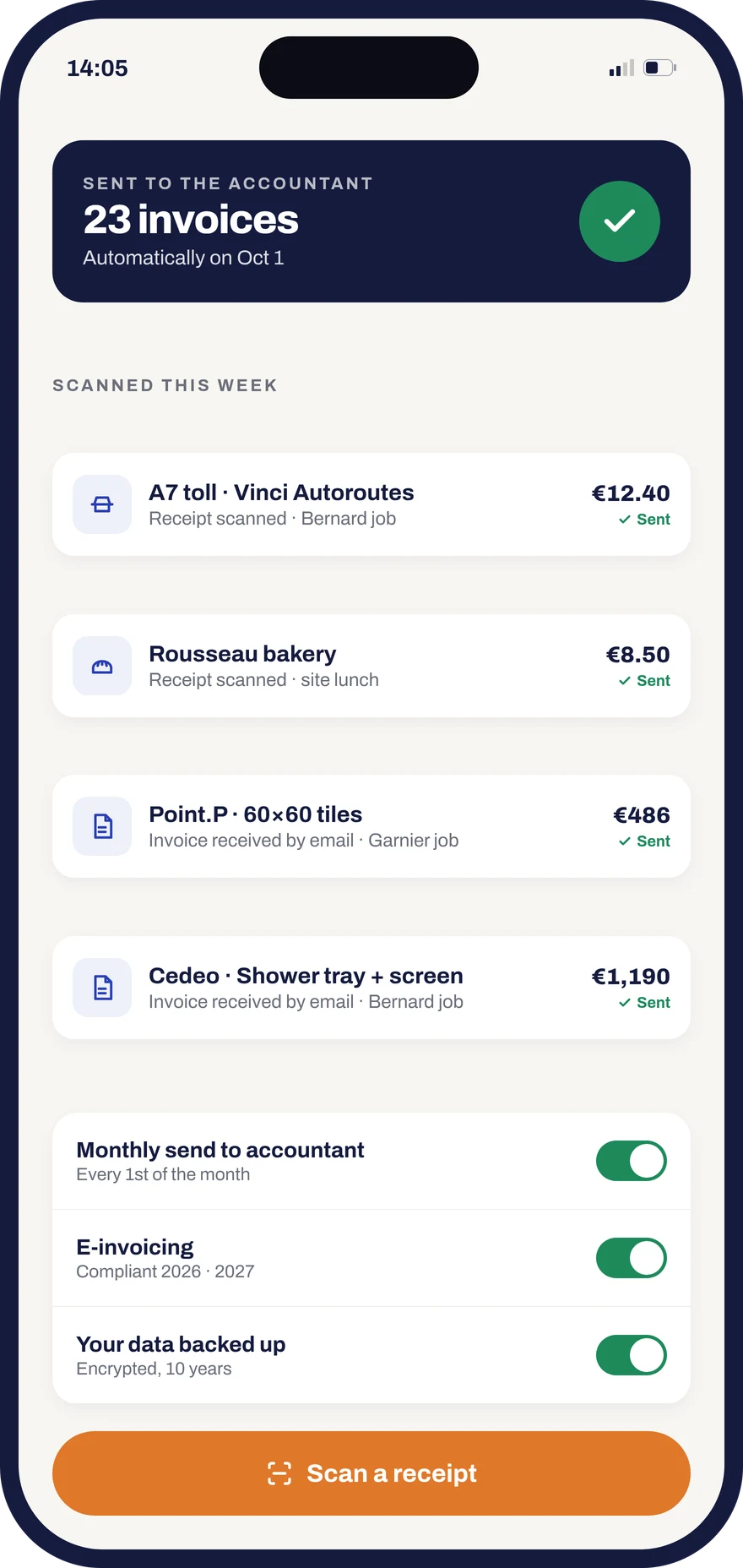
- Net, VAT and gross totals exported as they stand for your accountant
Frequently asked questions
Donizo proposes a rate for each line from the nature of the work you describe, and shows the reason beside the amount. You can change it on any line before sending. Responsibility stays yours: it is the tradesperson, not the customer, who answers for the rate applied if the tax authority checks.
Yes. Each line carries its own rate, and the summary at the foot of the quote totals VAT per rate. A job mixing energy renovation at 5.5% with upkeep at 10% therefore fits in a single document, with no need to split it in two.
As soon as a reduced rate is applied, Donizo prepares the simplified certificate for your customer to sign before work starts, and keeps it with the job file. Without that certificate the tradesperson carries the VAT difference if the rate is challenged.
Yes, automatically. The invoice is generated from the signed quote: line items, rates and the VAT summary are carried over unchanged, in Factur-X format. That automatic carry-over is what prevents a gap between quote and invoice, the most common error found in a check.
Start for free.
- Unlimited quotes and invoices
- 7-day free trial
- No card required
- €39/month excl. VAT afterwards, no commitment